New Skin Moisture Tester Pen Moisture Tester Skin Oil Tester Pen Moisture
New Skin Moisture Tester Pen Moisture Tester Skin Oil Tester Pen Moisture
Regular price
$13.40 AUD
Regular price
$16.75 AUD
Sale price
$13.40 AUD
Unit price
per
Tax included.
Shipping calculated at checkout.
Couldn't load pickup availability
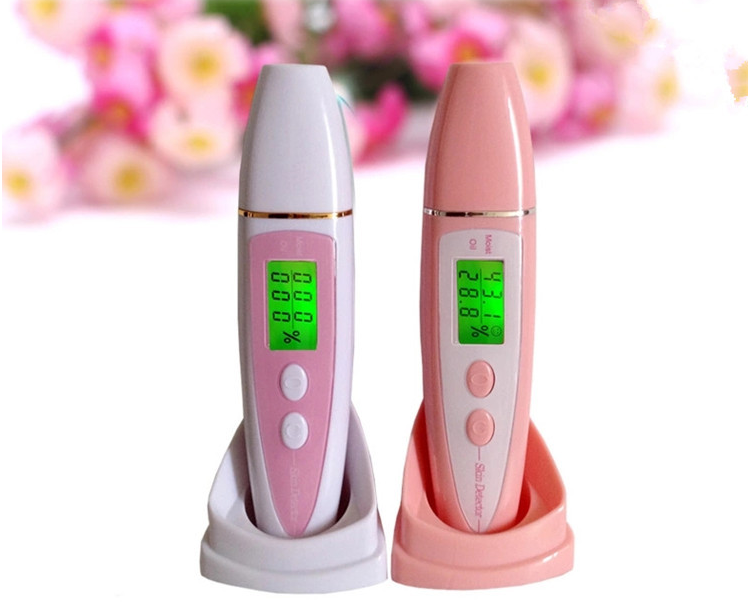
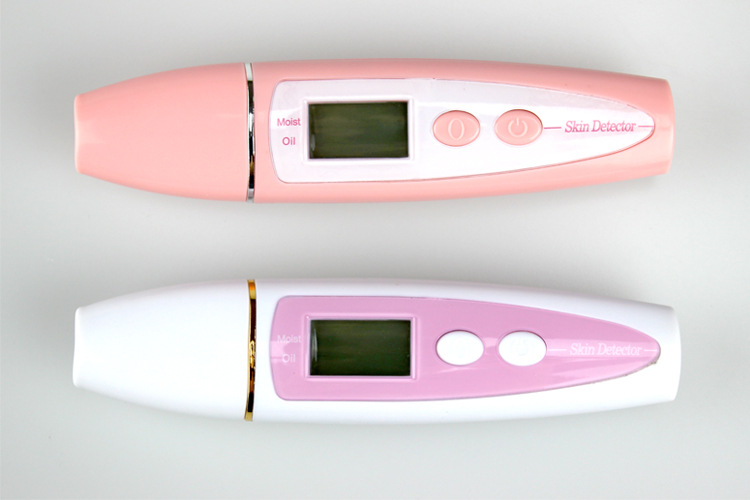
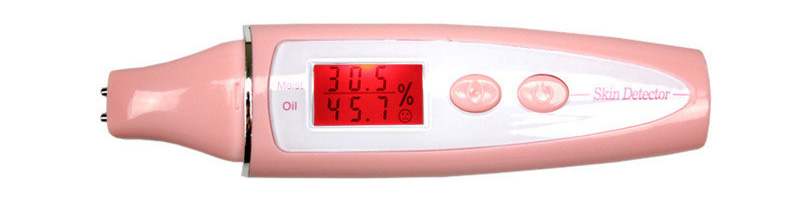
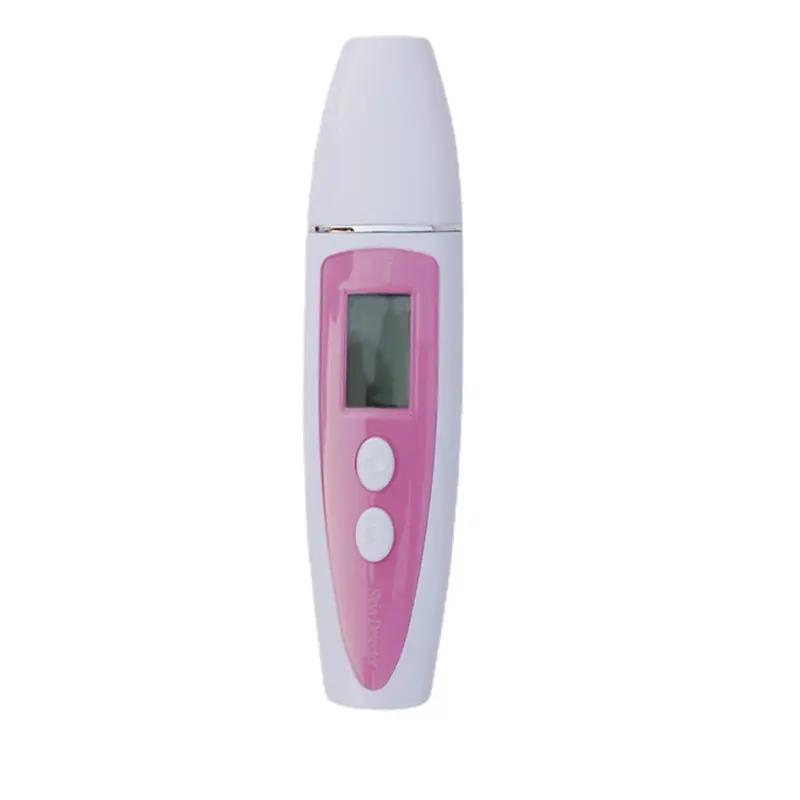
Meet the seventh-generation New Skin Moisture Tester Pen—a precise, pocket-friendly tool designed to monitor your skin’s hydration and oil balance with professional-grade accuracy. Housed in rugged ABS, this compact moisture tester fits easily into your daily routine, helping you understand your skin’s needs at a glance.
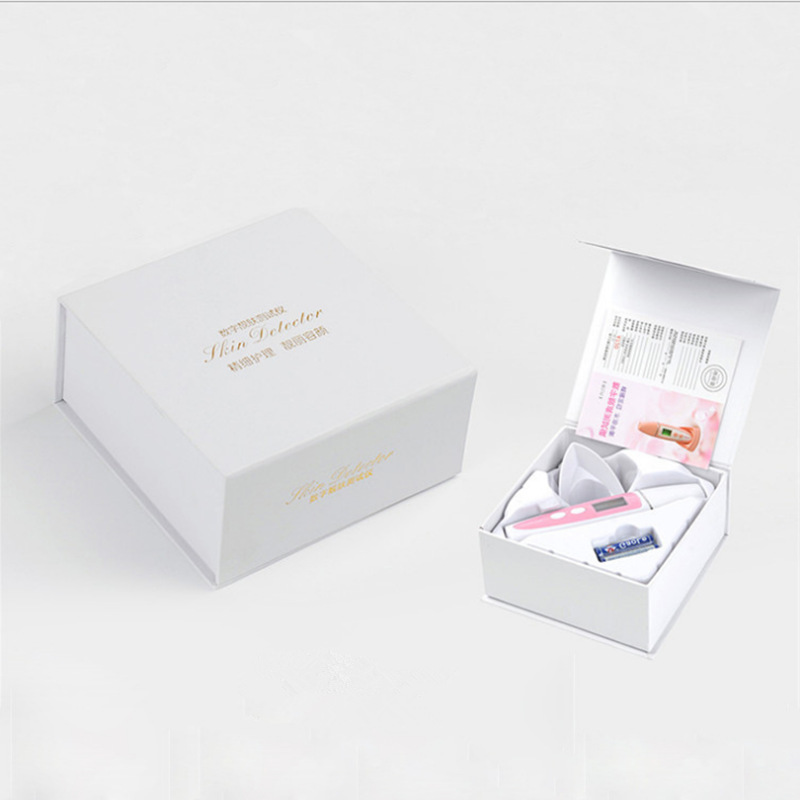
- Product specifics: 147 × 35 × 27 mm, ABS construction, battery-powered (two batteries to be prepared by the user).
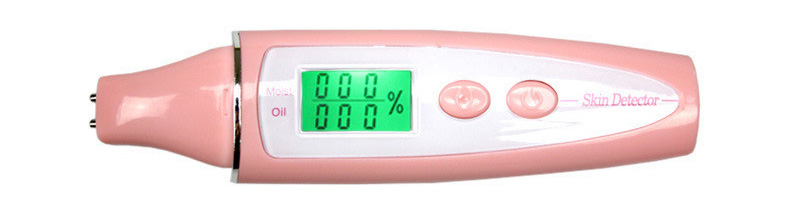
- What it measures: test skin water content and oil balance; displays skin moisture and oil elasticity for a complete hydration check.
- Status indicators: before testing, after testing the device shows red alarm for insufficient moisture, green when water content is normal, and a signal when skin water and oil reach saturation.
- Usage context: suitable for general use across a wide range of users who want to track hydration trends and oil balance over time.
How to use
- Install two No. 7 batteries. Pay attention to the positive and negative poles!
- Press the power on key on the right side, and pull out the probe protection cover at the same time. Note that the screen data is flashing at this time. Please do not touch the probe to the skin when the data is flashing.
- After the screen display is stable and you hear “tick” twice, contact the probe with the skin to be tested, and take off the moisture test pen to read the data after you hear “tick” for 3–6 seconds. Note: ① Do not move the probe when it contacts the skin; 2 To measure accurate values, it is recommended that all probes be pressed in.
- If a second test is required, press the reset button on the left, and then repeat step 3 of step 2.
- If you need to check the memory function, please press and hold the power on key for 3 seconds under the power on state to enter the memory mode, and you can check and test three groups of memory data. To exit the memory mode, press the reset key.
- Cleaning and maintenance: if possible, disinfect and clean the probe with a cotton pad, alcohol cotton, or a cotton cloth dipped in alcohol, then dry the probe with a dry cotton cloth.
Why it matters
Understanding your skin’s hydration and oil balance empowers smarter skincare decisions. Regularly checking with a dedicated moisture tester helps you tailor routines, select compatible products, and monitor changes due to weather, lifestyle, or skincare interventions. The memory feature supports tracking trends over time—great for anyone who’s serious about skin health.